
 Support
 Contact
 Sign In



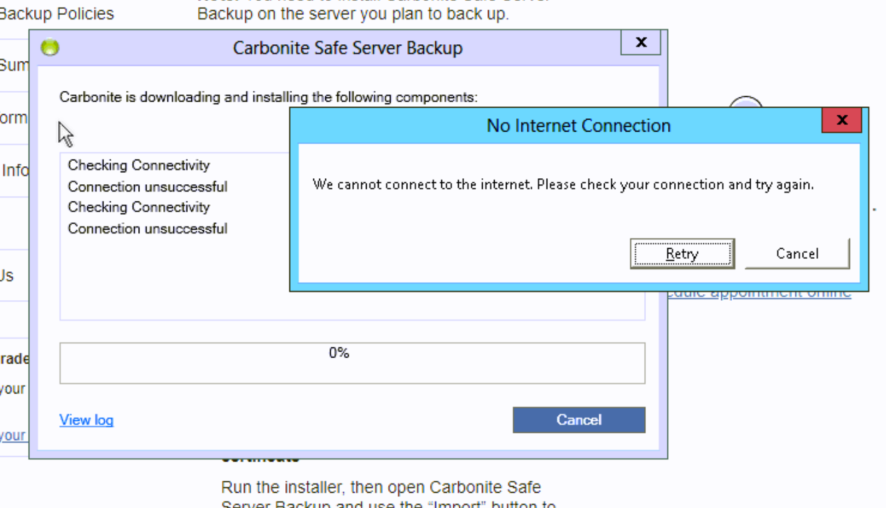
Known Issue: "No Internet Connection" Appears When Installing CSSB

Summary:
When installing CSSB, you might get an error when downloading or installing components that reads: “No Internet Connection: We cannot connect to the internet. Please check your connection and try again."
Cause:
If you are certain you have a strong and steady internet connection and this message is coming up in error, there’s a chance you need to perform maintenance or updates on your Server.
This article applies to:
| Carbonite Plans | Products | Platforms |
| Power and Ultimate (Not sure?) | Carbonite Safe Server Backup (Not sure?) | Windows |
Solution:
You will need to perform Windows Updates on your server or work with a third party to perform these updates on your behalf.
- Set aside time, as this will likely require rebooting your Server.
Once you have installed the updates, please attempt to install CSSB again. If you get the same result or experience any other difficulty, please ensure you meet the requirements for the software to run properly.
If you meet all requirements and you are unable to install CSSB, please contact us for assistance.
 Feedback