
 Support
 Contact
 Sign In



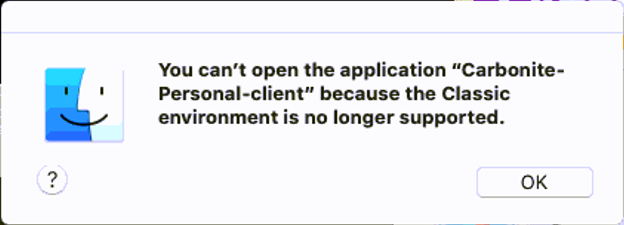
Message: "You can't open the application "*" because the Classic environment is no longer supported"

Summary:
When attempting to install Carbonite, you receive the following error message: "You can't open the application "*" because the Classic environment is no longer supported".
Cause:
macOS attempted to run the installer in the Classic environment. The Classic environment was designed for Mac OS 7 through Mac OS 9, the active OS versions from 1991-1999. All Apple support for these applications ended with Mac OS X 10.12. Carbonite did not exist in the 90s, and all of our Mac products were designed to work only for Macs that had Intel chips in the Max OS X line from 10.6 up. The error can and does occur for other applications.
Solution:
If you see this error, you have two options to get around it.
- You can right-click (CTRL+Click) on the Carbonite download link and use Save As to select to download to your Desktop.
- You can drag the Carbonite installer from your Downloads folder onto your Desktop
Once the Carbonite installer file is on your Desktop, you can install Carbonite as normal.
 Feedback