
 Support
 Contact
 Sign In



ISS: Error when Importing Cloud Certificate

Summary:
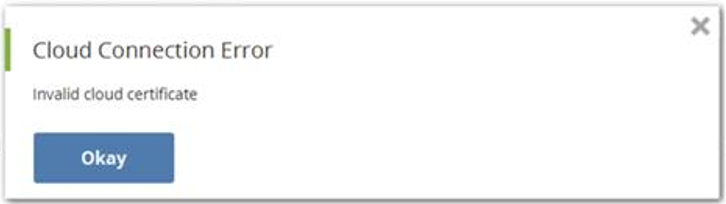
When attempting to import the cloud certificate into Carbonite Safe Server Backup, an error message is received that the cloud certificate is invalid.
Cause:
This can occur in 2 situations. either the Carbonite Safe Server Cloud interface was not run as administrator, or an incorrect cloud certificate was downloaded from the Business dashboard. The version of the cloud certificate you receive is dependent upon your operating system.
Solution:
CSSB UI is running at the wrong level:
Close the CSSB UI.
Right-click the Carbonite Safe Server Backup shortcut on your Desktop and select Run as administrator.
Attempt importing the cloud certificate again once the UI is open again.
The incorrect cloud certificate was used:
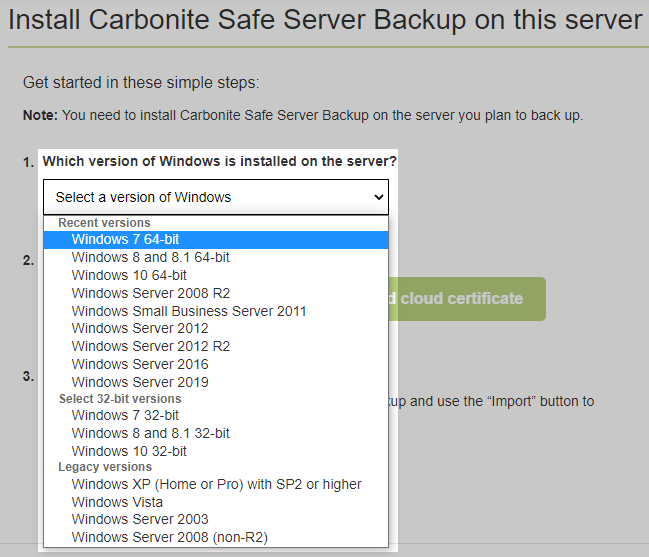
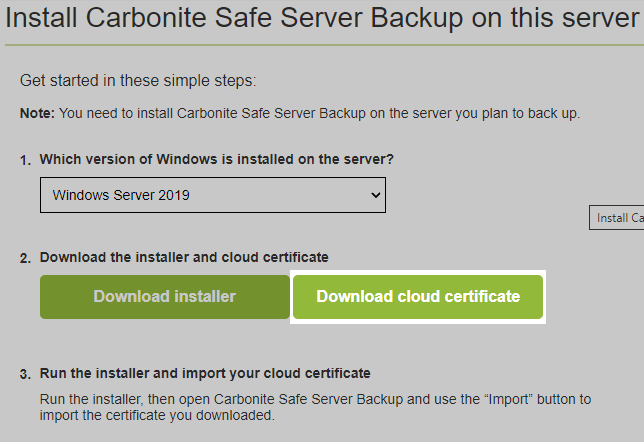
To address an incorrect cloud certificate, log into your Carbonite account at https://account.carbonite.com and click Install Carbonite on this server. On the next page, select the correct OS from the drop down menu.
Click Download cloud certificate.
Attempt the import again.
 Feedback