
 Support
 Contact
 Sign In



HOW: Manage Devices in Your Account Portal

Summary:
You can manage your Webroot devices within your online account.
Solution:
- Login in to your Webroot account at https://account.webroot.com
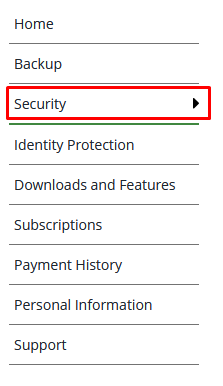
- Navigate to the Security tab.
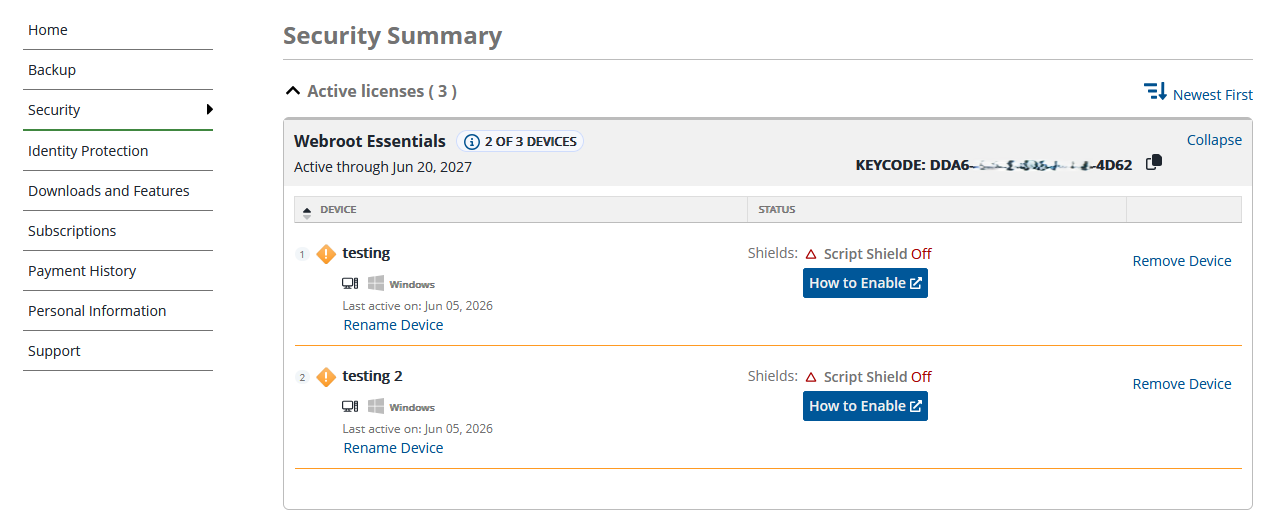
- View all past and current devices with Webroot.
- Rename a device with the "Rename Device" option.

- Remove a device with the "Remove Device" option.

- Access knowledge base articles on "How to Enable" disabled shield(s).

 Feedback