
 Support
 Contact
 Sign In



Installing Carbonite Safe Server Backup From Your Pooled Storage Account

- This article applies only to Pooled Storage Resellers
Summary:
As a Pooled Reseller, you have the ability to install Carbonite Safe Server Backup (CSSB) on your client’s servers. If needed, you can set up multiple CSSB installs for a given client's account.
Solution:
To install CSSB, log into your Pooled Reseller Portal at https://portal.carbonite.com/#/accounts and follow the instructions below.
- In your Pooled Reseller Portal, click Accounts.

- In Accounts, click the name of the client to open their Account Summary.
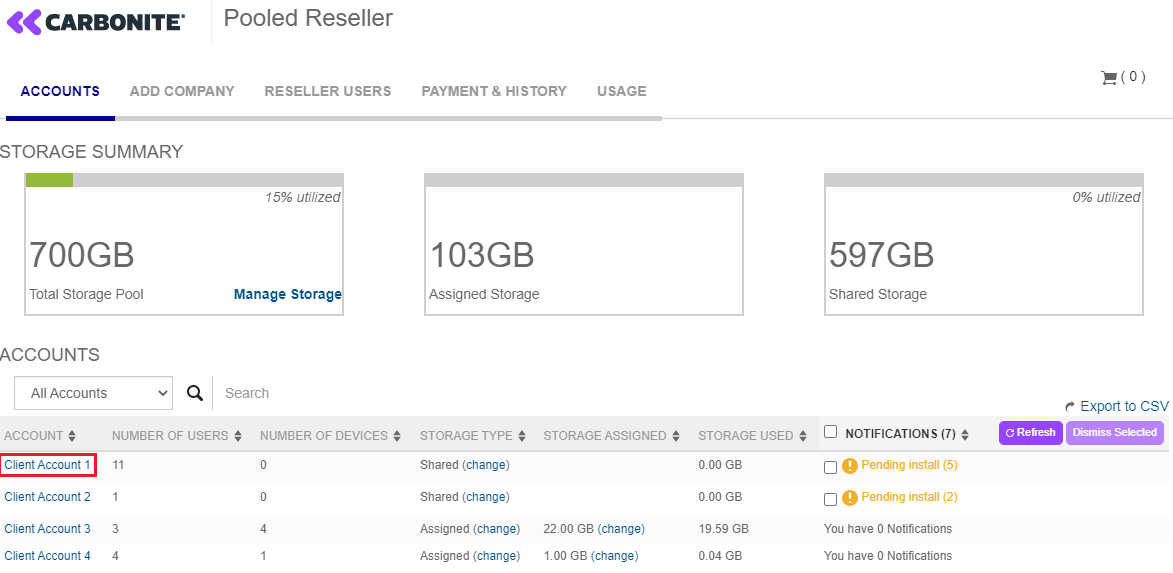
- In the company's Account Summary, click the Manage servers & installations link.

- On the Manage servers & installations page, select the appropriate OS from the drop-down menu to download the appropriate cloud certificate and CSSB installer, then import the cloud certificate into the CSSB software once the installation is complete.
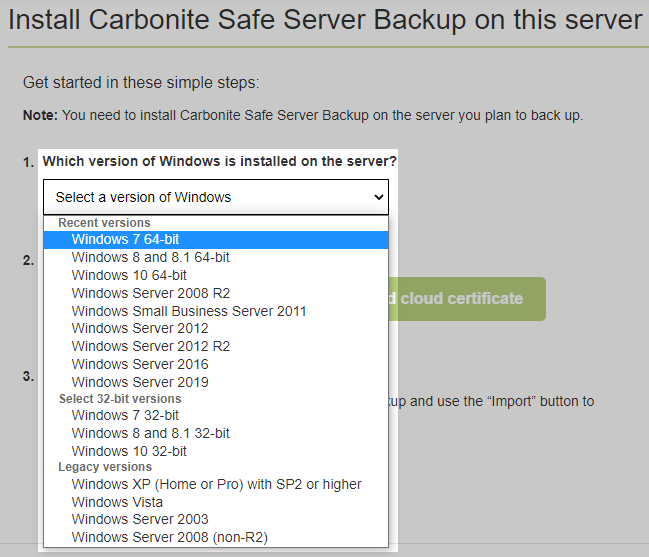
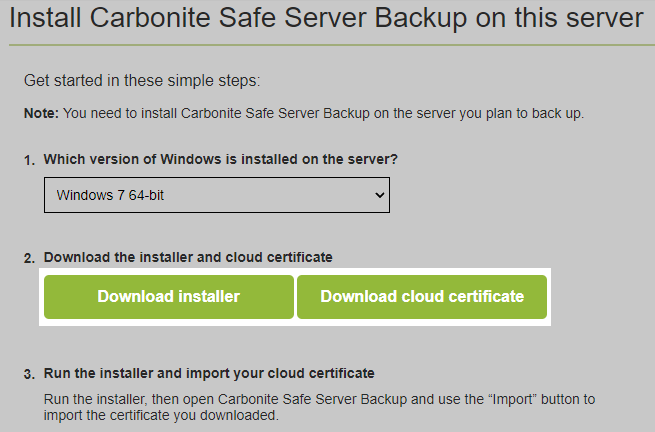

Once the cloud certificate has been imported, the Carbonite Safe Server Backup installation will be associated with your client's account. You can then begin backing up or restoring as applicable. For further information on creating a backup set, please see this Knowledge Base article.
 Feedback