
 Support
 Contact
 Sign In



Registering for Carbonite Training and Certifications

Summary:
Carbonite offers certifications for our OpenText Server Backup, Availability and Migration software. Completing these certifications authorizes you to register deals and gain additional margin for sales. You can register for certifications at any time, however you should review the related course material in the Resource Library before taking any exams associated with your desired certification.
Solution:
The sections below are collapsed. Please click the section title to open / close a particular section.
To register for certifications:
- Login to your partner portal at https://partner.carbonite.com/.
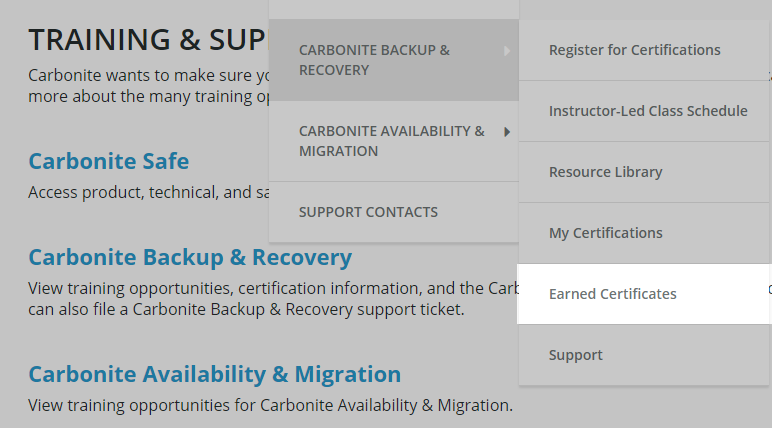
- Once logged in, hover over the Training & Support header and then select Register for Certifications within the appropriate product sub-menu.
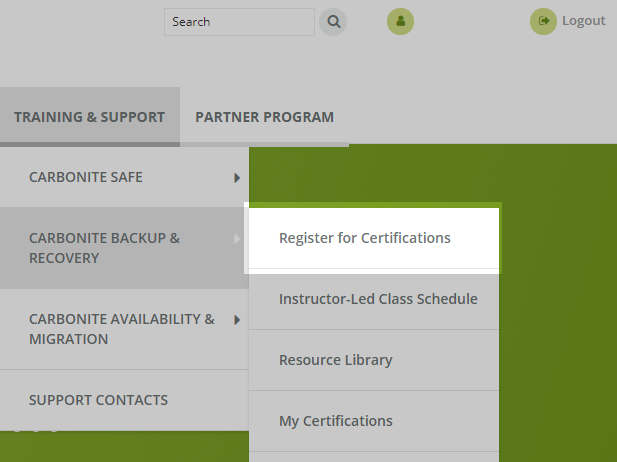
- Next, check the boxes for the desired certifications and click Register.
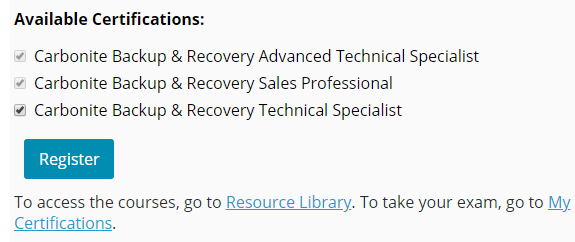
You are now registered for certifications. Complete this step for each product line you wish to register for.
Prior to taking any certification-related assessments, you should review the associated material in the Resource Library.
To access a certification course:
- Under the Training & Support header within the Partner Portal home page, hover over the applicable product line and click Resource Library.
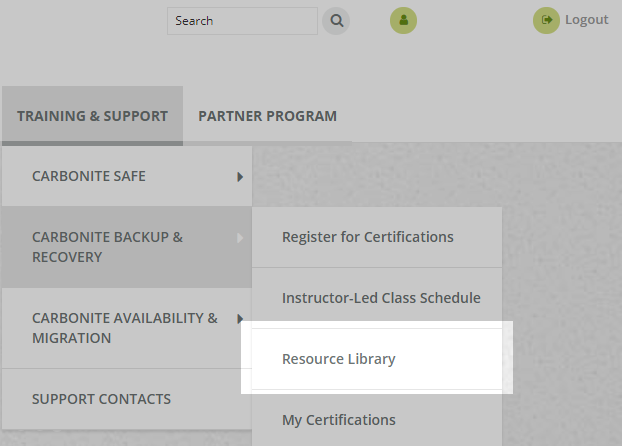
- Select the course that corresponds with your desired certification.
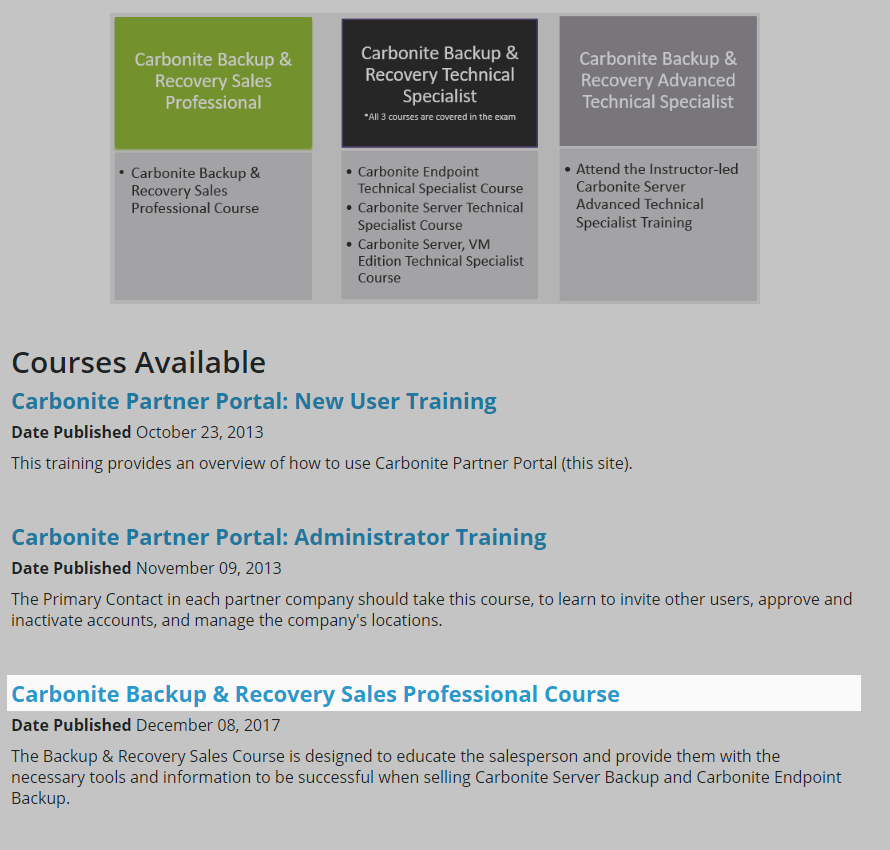
- Select Take Course Now to begin a module. Complete each module at your own pace.
- Note: Adobe Flash Player may be required to view the videos in the correct format.
To complete a certification exam:
- From the Partner Portal home page, hover over Training & Support, choose the applicable product line, and then select Earned Certificates.
- Locate your desired certification and select the downward pointing arrow under the Show Module column.

- Click the Take Quiz button to take the certification exam for that module.

 Feedback